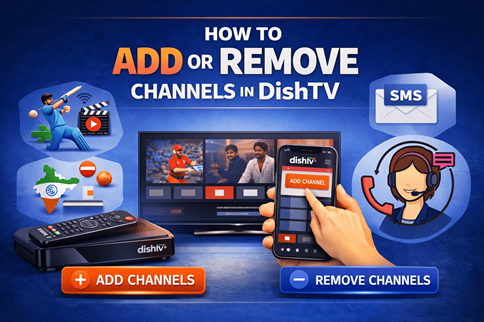
How to Add or Remove Channels in DishTV: Step-by-Step Guide
DishTV allows subscribers to personalize their television experience by adding or removing channels whenever required. Instead of paying for channels that are rarely watched, users can adjust their subscription and keep only the content that suits their viewing preferences.
Whether you want to subscribe to a sports channel during a tournament or remove channels that are no longer relevant, DishTV provides several convenient ways to manage your channel selection.
Why You May Want to Add or Remove Channels in DishTV
Viewing habits often change over time. Some households may want additional movie or sports channels for special events, while others may prefer to remove channels that are no longer watched.
Common reasons for modifying a channel pack include:
- Adding sports, entertainment, or regional channels
- Removing channels that are rarely used
- Adjusting the pack based on family preferences
- Managing overall subscription costs more efficiently
Updating your channel list periodically helps ensure your subscription remains relevant to your entertainment needs.
Different Ways to Add Channels in DishTV
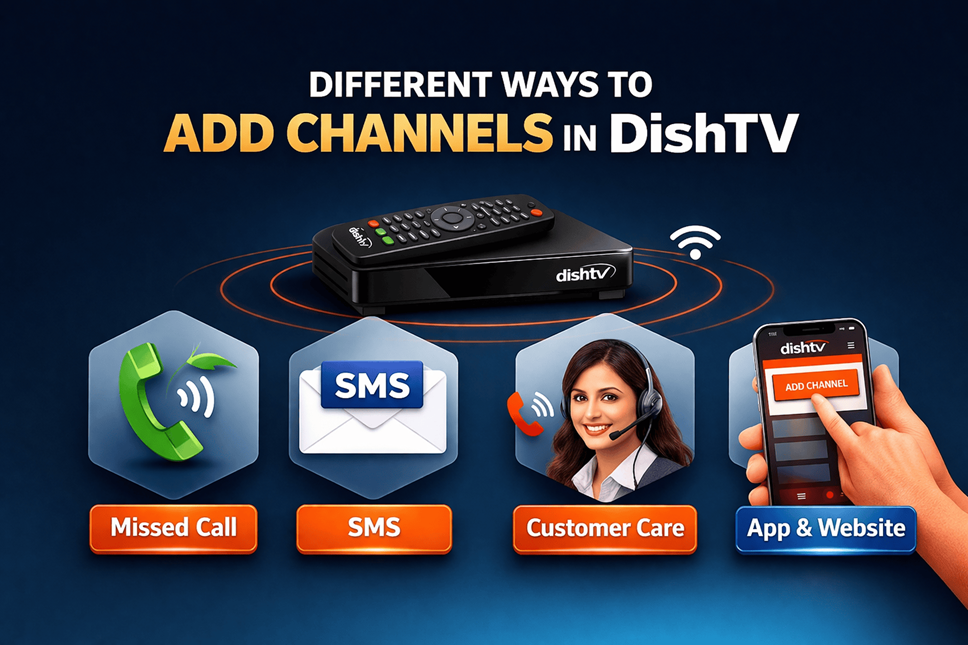
DishTV provides multiple options for subscribing to new channels. Users can choose the method that is most convenient for them, whether through a missed call, SMS, customer support, or digital platforms.
Add a Channel via Missed Call
The missed call service is one of the fastest ways to subscribe to a new channel. This method allows users to request channel activation instantly from their registered mobile number.
Steps:
- Dial 1800-568-XXXX from your registered mobile number.
- Replace XXXX with the channel number you want to subscribe to.
- For three-digit channel numbers, add 0 before the channel number.
Example:
If the channel number is 123, dial 1800-568-0123.
Add a Channel via SMS
Subscribers can also request channel activation through SMS using their registered mobile number.
SMS format:
ADD <Channel_Number>
Send the message to 57575.
Example:
ADD 123
Add a Channel via Customer Care
If you prefer assistance, channels can also be added by contacting DishTV customer support.
Customer Care Number:
+91-9501795017
While requesting channel activation, keep the following details ready:
- Customer ID or VC number
- Registered mobile number
- Channel number you want to subscribe to
Add Channels Using the DishTV App or Website
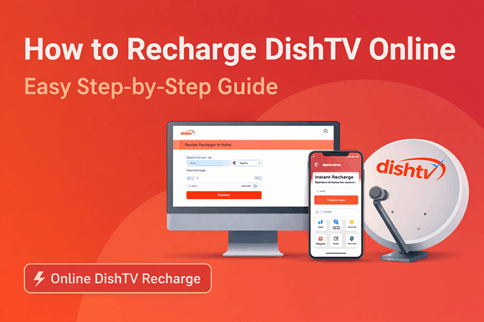
DishTV also allows users to manage their subscription through the official mobile app or website. This option lets you explore available channels and select the ones you want to add.
Steps:
- Log in using your registered mobile number or customer ID.
- Navigate to the Pack or Channel Management section.
- Browse the available channels or add-ons.
- Select the channel you want to subscribe to.
- Confirm your request.
How to Remove Channels from DishTV?
DishTV also allows subscribers to remove channels that are no longer needed. Removing unused channels can help keep the subscription aligned with your viewing preferences.
Steps:
- Log in to your DishTV account.
- Go to Manage Pack or Modify Pack.
- View the list of subscribed channels.
- Select the channel you want to remove.
- Confirm the request.
Popular DishTV Channels Users Frequently Add
Many subscribers modify their DishTV packs to include channels that match their entertainment preferences.
Sports Channels
Sports channels are often added during major tournaments or sporting events. Networks like Star Sports or Sony Sports are popular among viewers who follow live matches.
Movie Channels
Subscribers who enjoy films frequently add movie channels that offer a variety of Hindi and regional content.
Regional Channels
Regional entertainment channels in languages such as Tamil, Telugu, Bengali, and Marathi are also widely subscribed to by viewers who prefer local programming.
Common Issues While Adding Channels
Although channel activation is generally quick, users may occasionally encounter minor issues.
Channel Not Appearing Immediately
Sometimes the channel may take a few minutes to appear. Switching channels or refreshing the set-top box can help update the list.
Incorrect Channel Number
Entering the wrong channel number while using SMS or missed call activation may prevent the request from being processed.
Unregistered Mobile Number
Activation requests should be made from the mobile number registered with your DishTV account.
Frequently Asked Questions
How do I activate a channel in DishTV using a missed call?
Dial 1800-568-XXXX from your registered mobile number and replace XXXX with the channel number. For three-digit channel numbers, add 0 before the number.
Can I remove channels from my DishTV account anytime?
Yes, subscribers can remove channels through the DishTV app, website, or customer support.
Note: Some channels may have a lock-in period of one day before they can be removed.
Does adding a channel increase the monthly bill?
Yes. Premium channels may increase your DTH monthly charges depending on the price of the selected channel.
Can channels be added without using the mobile app?
Yes. Channels can be activated using missed call, SMS, or customer support assistance.
Why should I review my channel pack regularly?
Reviewing your channel pack helps remove unused channels and ensures that your subscription reflects your current viewing preferences.
Conclusion
DishTV offers multiple ways to manage your channel subscription, including missed call activation, SMS requests, customer support assistance, and digital self-service options. By periodically reviewing and updating your dishtv channel pack, you can maintain a more personalized and cost-efficient television experience.